
How to set up a book interior for printing
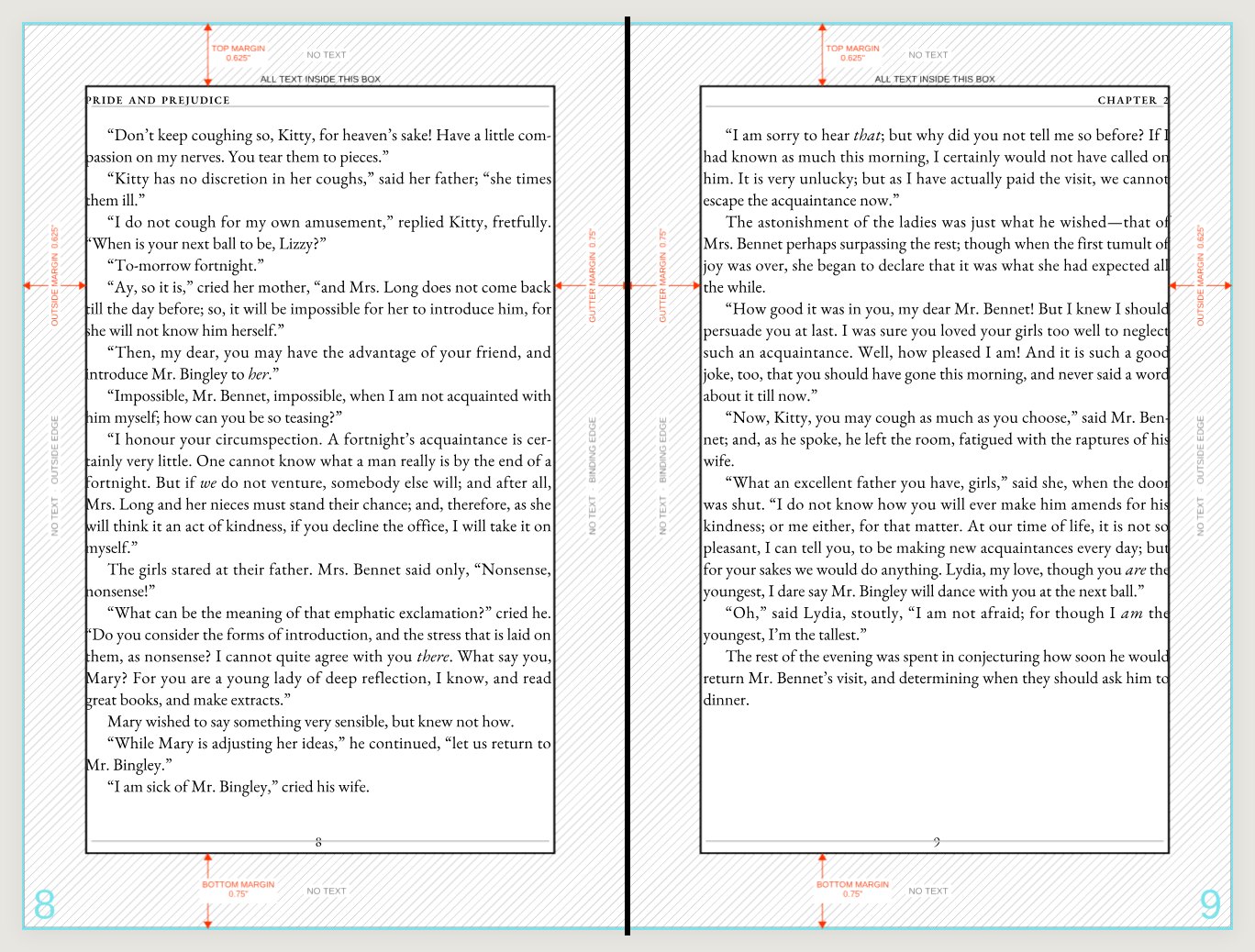
One PDF, one page per book page, at trim. The part that decides whether a book is comfortable to read is the text block and its four margins — and the gutter, the one against the binding, is the one people get wrong.
Setting up an interior, section by section
Every section is here. Open the one you need — or work down them in order the first time through.
The short version
Five things an interior file has to get right
Supply single pages, in reading order
One PDF page per book page — never spreads. Page 1 is the first page of the book, blanks included, and the total is always an even number: a sheet of paper has two sides.
Set every page at trim
A text page has nothing reaching the edge, so it needs no bleed. Every page is exactly the finished size, and every page is the same size.
Put every piece of text inside the box
Body, running heads and page numbers alike. Anything outside it risks being trimmed off or swallowed by the binding.
Give the gutter more room than the outside edge
The gutter is the binding side, and it is the widest of the four margins because the binding takes part of the page. It grows with the page count — a 500-page book needs more than a 200-page one.
Mirror left-hand and right-hand pages
The wide margin is against the spine on both sides, so it swaps sides page by page. Set both a left and a right page rather than one master, or every other page will be wrong.
Single pages
One PDF page per book page, never spreads
It is tempting to lay out facing pages together, because that is how a book is read. Send it that way and every sheet has to be cut back apart before anything can be imposed, and the cut is a guess. Export single pages instead.
Page 1 is the first page of the book, blank pages included. The total is always an even number, because a sheet of paper has two sides. If your text ends on a right-hand page, the blank left-hand page after it is still a page and still belongs in the file.
The part that decides how a book reads
The text block and its four margins
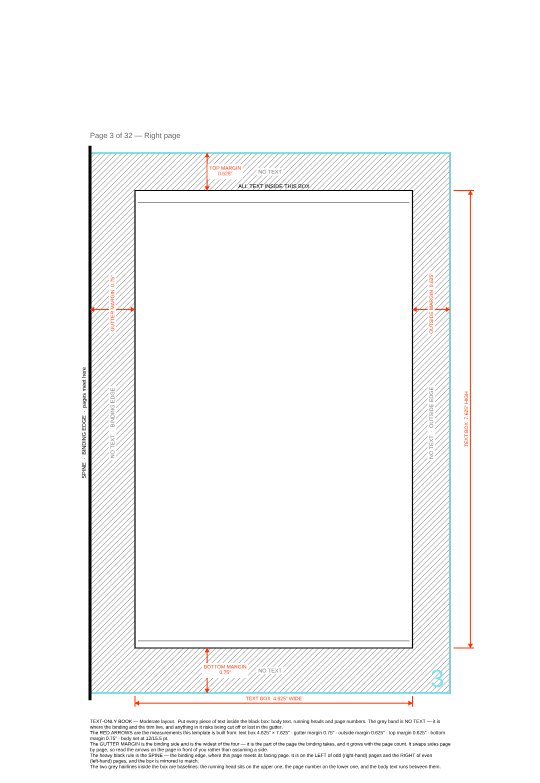
Everything printed on a text page lives inside one box. The four margins around it are not decoration and they are not equal to each other.
Gutter margin
The binding side, and the widest of the four. The binding takes part of the page and never gives it back, and it takes more on a thick book than a thin one.
Outside margin
The edge a thumb rests on. Narrower than the gutter, but wide enough that a hand does not cover the last word of every line.
Top margin
Carries the running head where there is one. Usually the smaller of the two horizontal margins, which is what lifts the text block visually.
Bottom margin
Carries the page number. Traditionally deeper than the top, so the block sits slightly above centre rather than looking as if it is sliding off.
The one that catches everybody
Left and right pages are mirrored
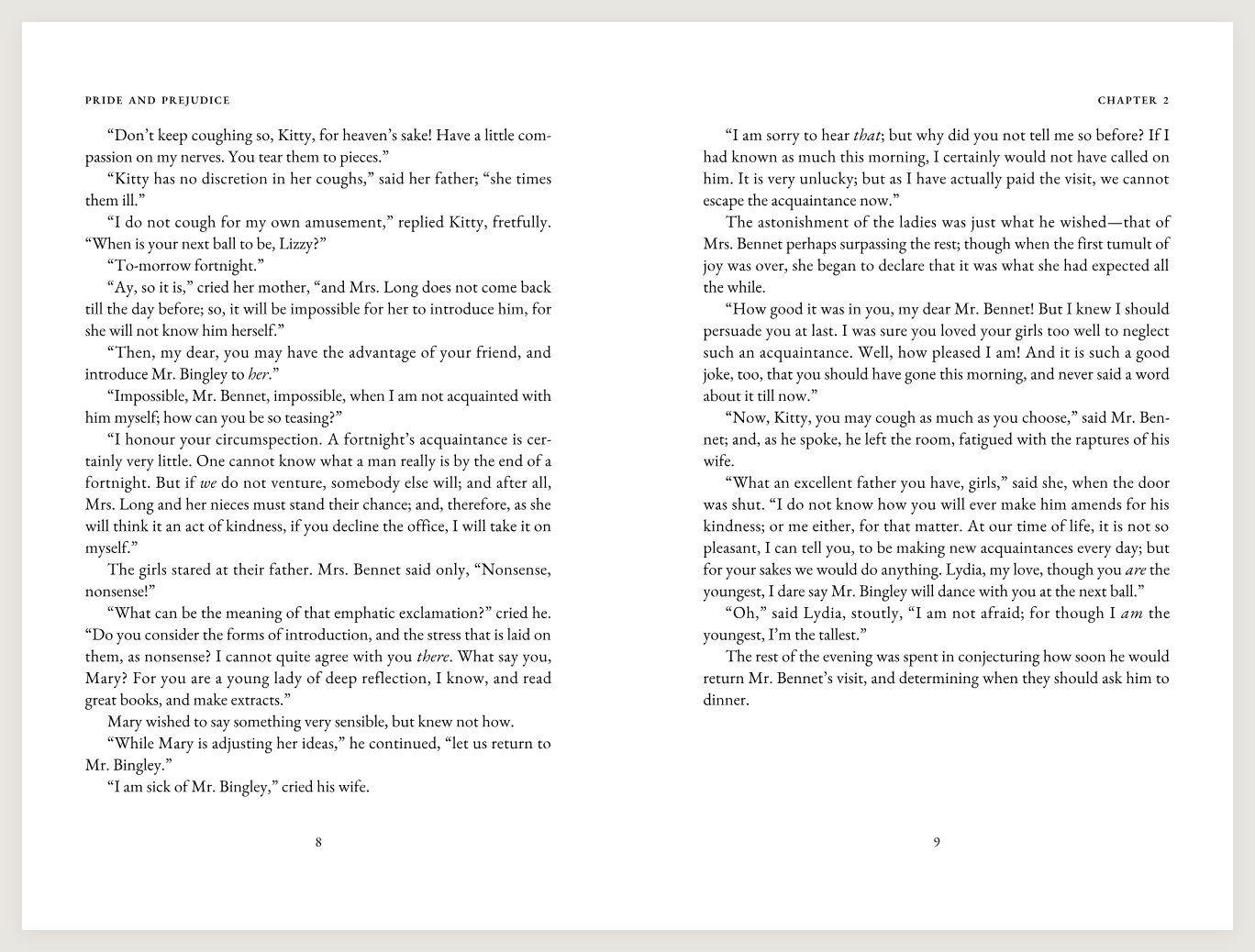
The wide margin is against the spine on both sides of a spread, which means it is on the right of a left-hand page and on the left of a right-hand page. It swaps sides page by page for the length of the book.
In a word processor this is the setting usually called mirror margins or facing pages. Set it before you start. Laying out one master page and duplicating it puts the wide margin on the same side throughout, so every second page has its text crowding the binding, and there is no way to fix it late that does not re-flow the whole book.
Trim, not bleed
A text page needs no bleed
Nothing on an ordinary text page reaches the paper edge, so there is nothing to run past the cut. Every page is exactly the finished size, and every page is the same size as the others. A file where one chapter opener is a different size from the rest gets sent back, because a press cannot honour two page sizes in one book block.
The exception is a page carrying a photograph or a colour block that genuinely runs to the edge. That page does need bleed, and it needs the whole book set up for it, so tell us before you build it.
Before you send it
What gets an interior file sent back
Spreads instead of single pages
Two book pages on one PDF page. Re-export as single pages rather than letting anyone guess where the cut goes.
An odd page count
A sheet has two sides, so a book block is always even. Add the blank the book already implies.
Pages of mixed sizes
Usually a scanned insert or an image page exported at its own dimensions. Everything has to be one trim size.
The same margin on every page
Mirror margins were off. Every second page has its text crowding the binding.
Page numbers outside the box
Folios and running heads count as text. Outside the margin they can be trimmed off or swallowed by the binding.
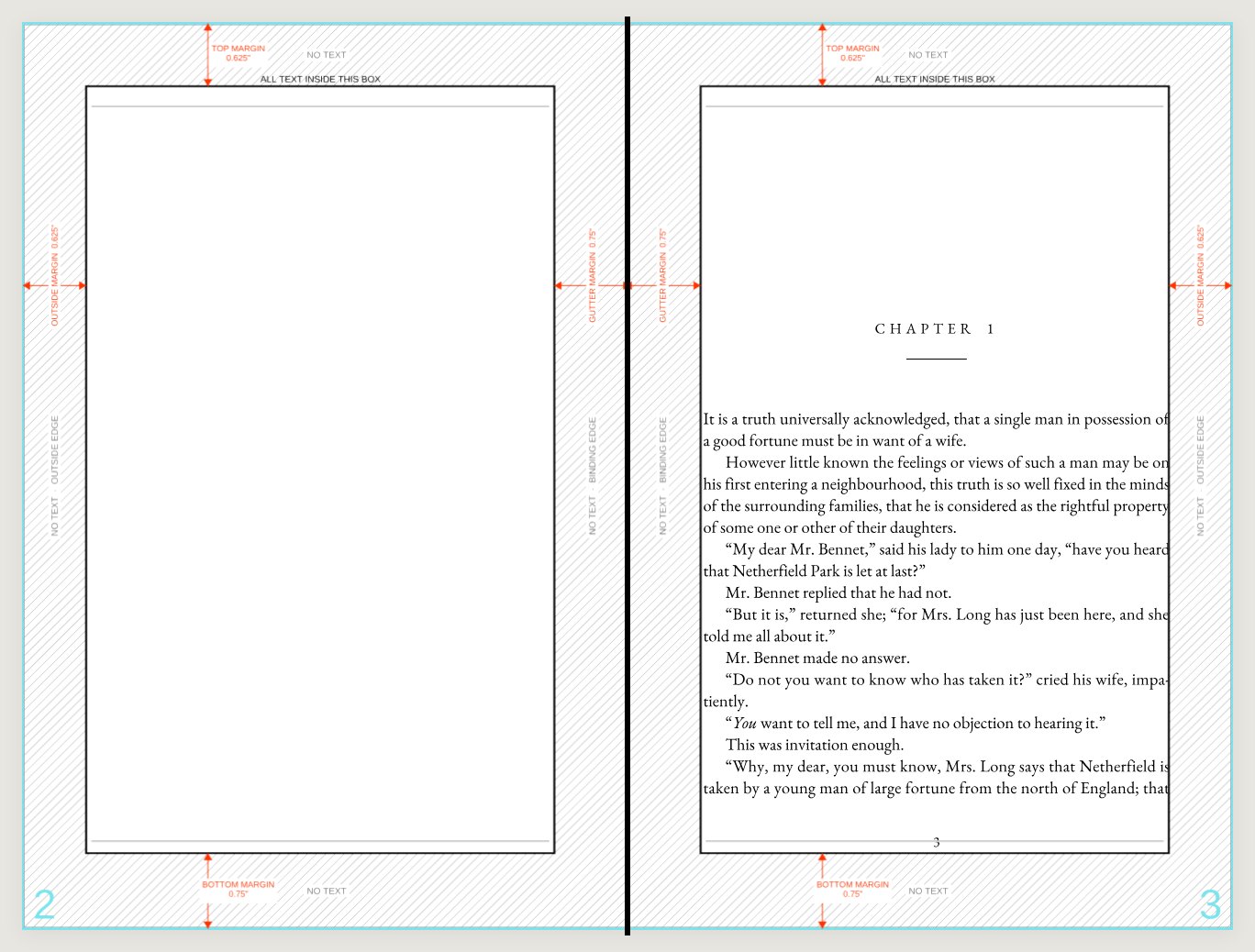
A blank file from the template
The downloaded template sent back with nothing laid into it. It happens more often than you would think, and we would rather ask than print it.
Send the manuscript and we will typeset it
Send a Word file and our typesetters will set the text block, the margins and the page order properly in InDesign, and show you a proof before anything goes on press.